เมื่อยุคสมัยได้เปลี่ยนแปลงไป การพัฒนาระบบต่าง ๆ ก็ได้เปลี่ยนตามกาลเวลา โดยส่วนมากแล้ว การใช้งานโปรแกรม หรือแอพพลิเคชั่น (แอพฯ) หรือเว็บ หรือเว็บแอพฯ (ซึ่งแล้วแต่จะเรียก) ในยุคปี 2022 เป็นต้นมา มีคอนเซ็ปต์สำคัญคือ ไม่ยึดติดกับเครื่องคอมพิวเตอร์เครื่องใดเครื่องหนึ่ง ทุกสิ่งทุกอย่างถูกเชื่อมโยงเข้าหากัน ผมจึงเรียกสิ่งนี้ว่า “แพลตฟอร์ม (Platform)”
โปรแกรมร้านขายยา tPHARM: แพลตฟอร์มสำหรับระบบร้านยา และการจัดการร้านค้า
แนวคิดแพลตฟอร์ม และการใช้งานข้ามอุปกรณ์
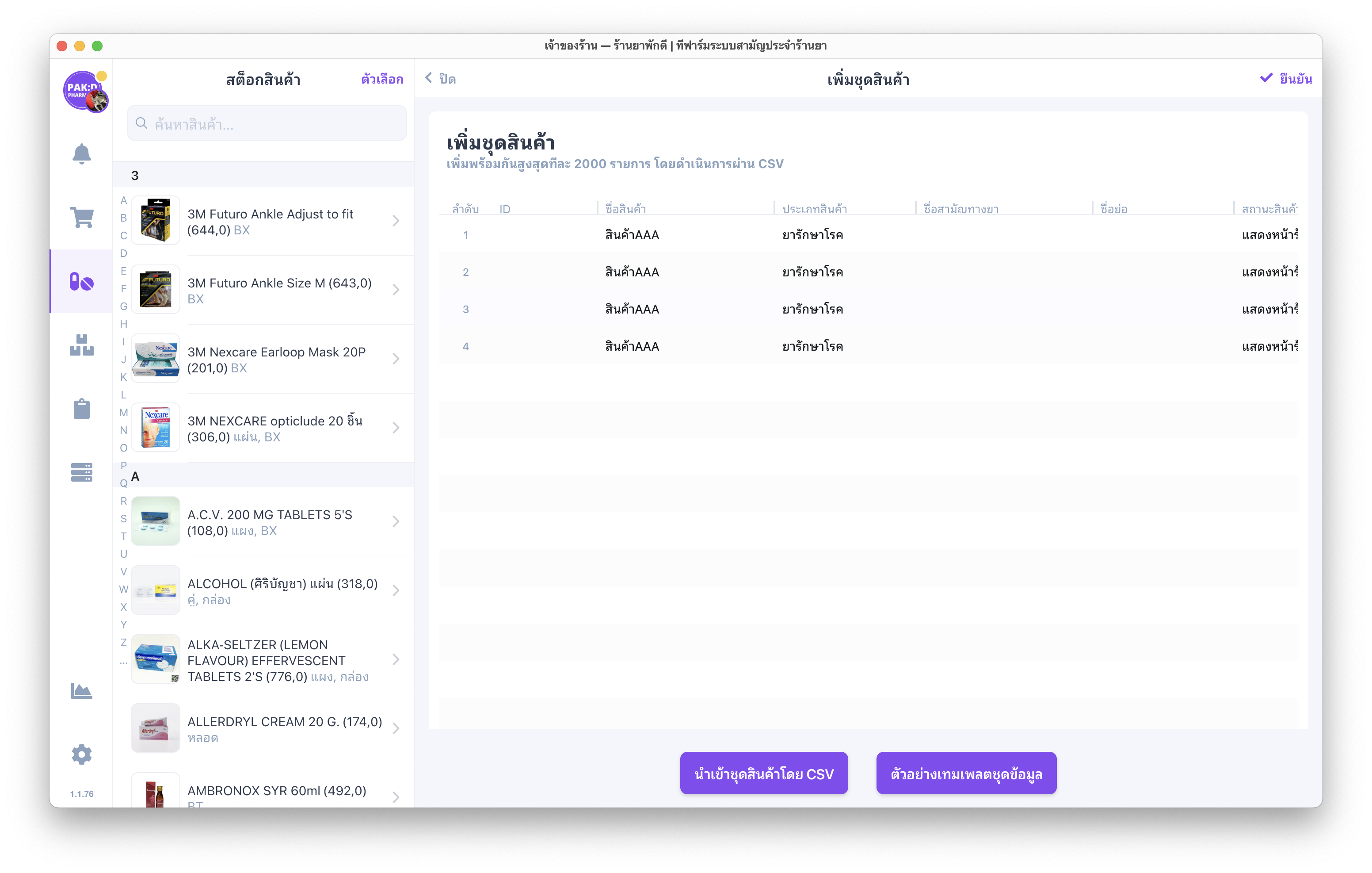
โปรแกรมร้านขายยา tPHARM ถูกพัฒนาบนแนวคิดที่ว่า ไม่ว่าคุณจะใช้เครื่องอะไร หรืออยู่ที่ไหน ก็สามารถใช้งานระบบร้านยาได้ ทั้งบนมือถือ เครื่องคอมพิวเตอร์ตั้งโต๊ะ PC หรือโน้ตบุ๊ก tPHARM สามารถใช้งานได้ทั้งในรูปแบบโปรแกรมตั้งโต๊ะ (ติดตั้งบนเครื่อง) และในรูปแบบเว็บแอพฯ ผ่านเบราว์เซอร์ออนไลน์ ซึ่งเหมาะกับการ จัดการร้านค้า และงานหน้าร้านในยุคใหม่
ในมุมเทคนิคแล้ว โปรแกรมที่ติดตั้งบนเครื่องมักจะรองรับฟีเจอร์ และฟังก์ชันได้หลากหลายมากกว่าเว็บเพียว ๆ เช่น การเชื่อมต่อกับเครื่องพิมพ์ใบเสร็จ, เครื่องพิมพ์ฉลากยา/สินค้า หรือการสั่งเปิดลิ้นชักเก็บเงินแบบอัตโนมัติ จึงเหมาะอย่างยิ่งสำหรับร้านที่ต้องการใช้ online POS, โปรแกรมร้านขายยา และระบบช่วย บริหารสต็อกสินค้า ไปพร้อมกัน
วิธีดาวน์โหลด และติดตั้งโปรแกรมร้านขายยา tPHARM
ติดตั้งโปรแกรมบนคอมพิวเตอร์สำหรับงานหน้าร้าน
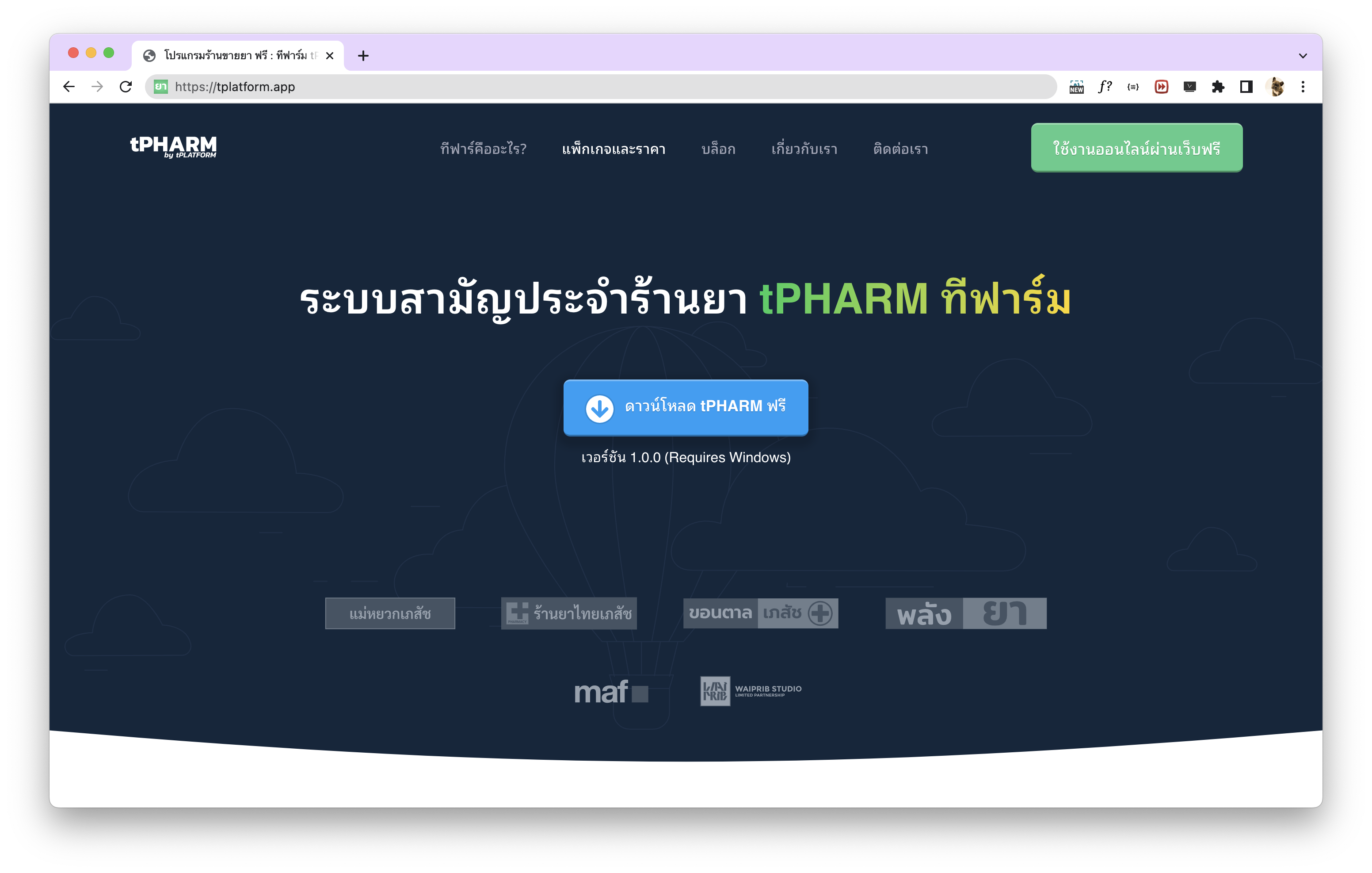
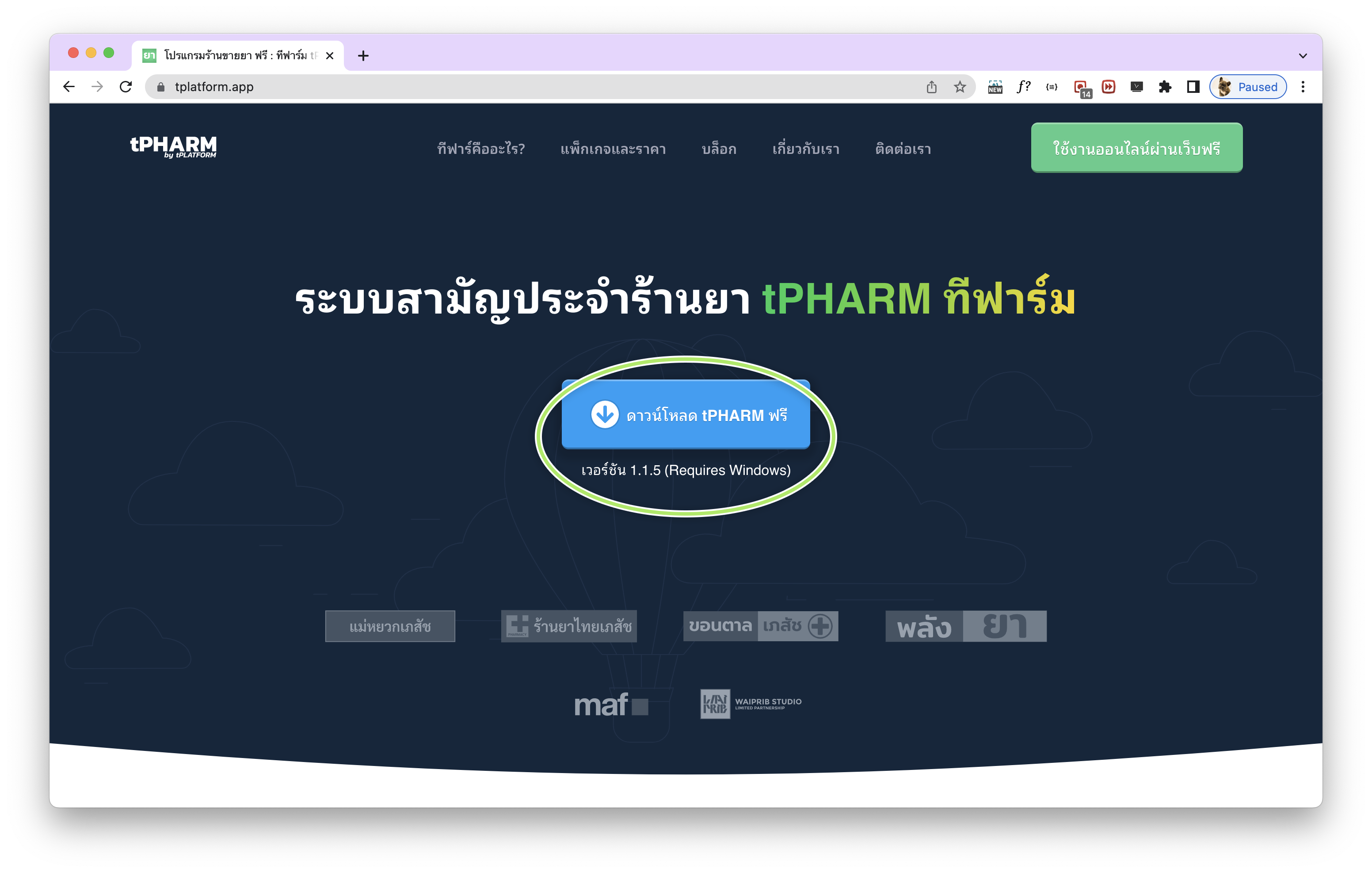
วิธีการดาวน์โหลด โปรแกรมร้านขายยา tPHARM และติดตั้งบนเครื่องคอมพิวเตอร์ สามารถดาวน์โหลดได้ที่ https://tpharm.app/download หรือเข้าหน้าเว็บไซต์หลัก https://tpharm.app แล้วกดปุ่ม “ดาวน์โหลด tPHARM ฟรี”
วิธีนี้เหมาะกับร้านที่มีเครื่องคอมพิวเตอร์ตั้งโต๊ะที่เชื่อมต่อกับอุปกรณ์หน้าร้าน เช่น เครื่องพิมพ์ใบเสร็จ, เครื่องพิมพ์ฉลากสินค้า/ยา และลิ้นชักเก็บเงิน ช่วยให้ระบบ POS ของคุณทำงานได้เต็มประสิทธิภาพ ทั้งงานขาย และ บริหารสต็อกสินค้า อย่างเป็นระบบ
ใช้งาน tPHARM เป็น online POS ผ่านเว็บ (ใช้งานออนไลน์ผ่านเว็บฟรี)
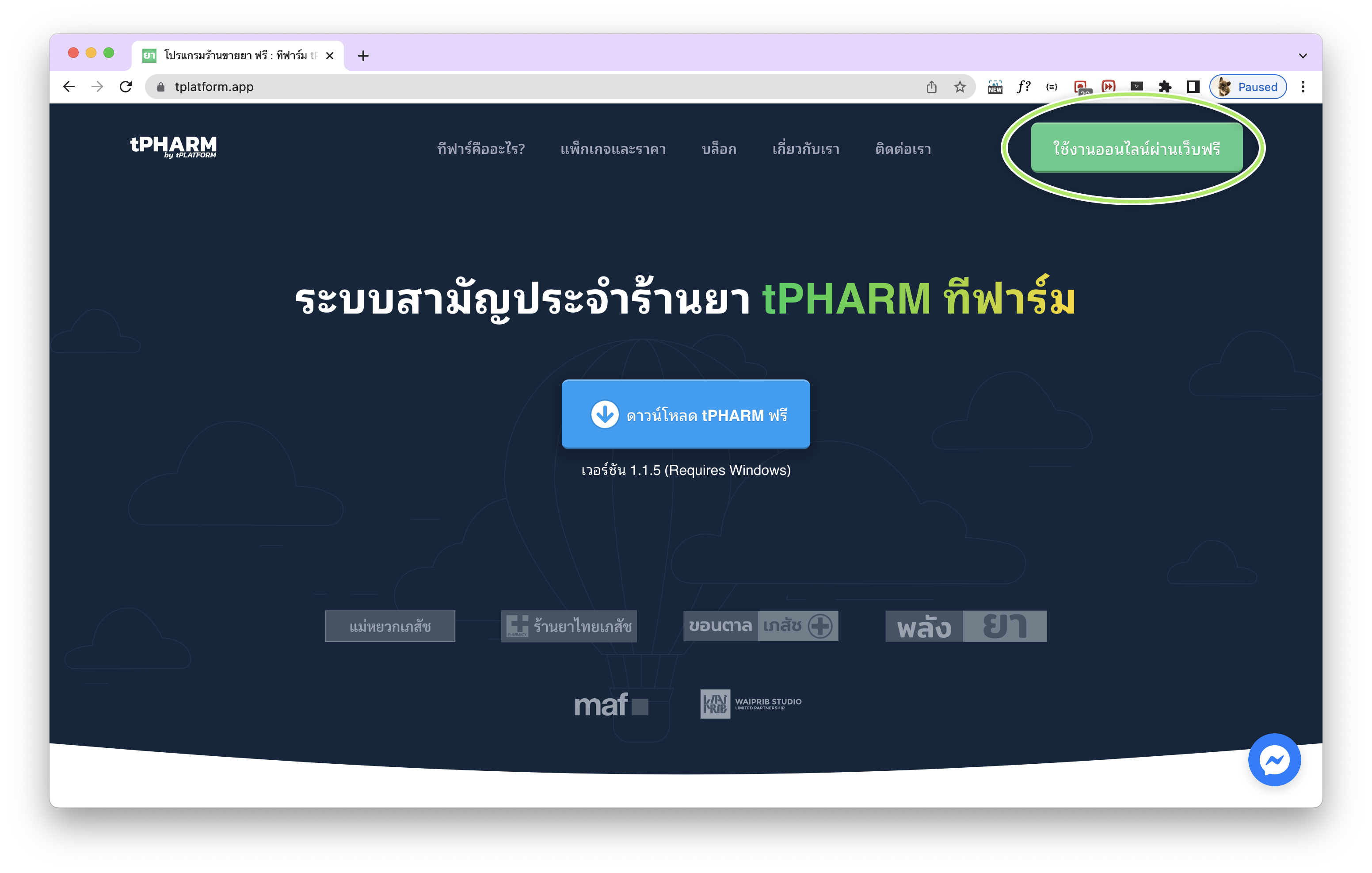
อีกหนึ่งทางเลือกสำหรับร้านที่ยังไม่มีเครื่องคอมพิวเตอร์ตั้งโต๊ะ คือการใช้งานผ่านเว็บไซต์ หรือเว็บแอพฯ สามารถเข้าใช้งาน online POS ได้ทันทีที่ https://tpharm.app หรือ https://pos.tpharm.app โดยเหมาะสำหรับการใช้งานผ่าน Tablet หรือ iPad (เวอร์ชันล่าสุด 1.1.5 ความสมบูรณ์ประมาณ 90%) และไม่แนะนำให้ใช้งานผ่านหน้าจอมือถือ
คุณยังสามารถเข้าผ่านหน้าเว็บไซต์ “ใช้งานออนไลน์ผ่านเว็บฟรี” เพื่อทดลองใช้ฟีเจอร์ของ โปรแกรมร้านขายยา และระบบ pos free ที่ออกแบบมาเพื่อร้านขายยาโดยเฉพาะ
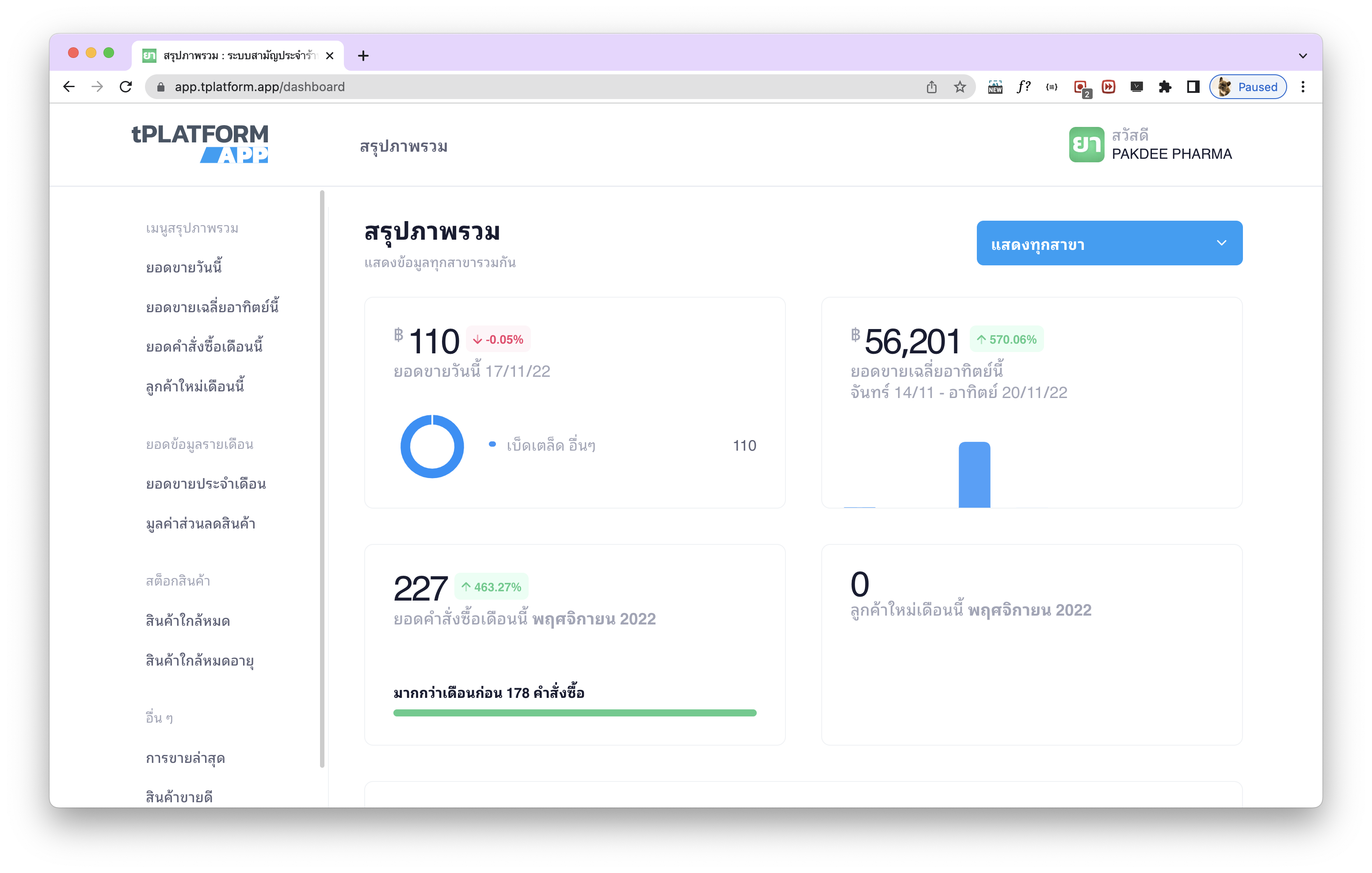
ดูยอดขาย และบริหารสต็อกสินค้าผ่าน Dashboard ออนไลน์
สิ่งที่ขาดไม่ได้สำหรับเจ้าของร้านคือการดูยอดขาย ณ ปัจจุบัน และการ บริหารสต็อกสินค้า ระบบ tPHARM มี Dashboard ออนไลน์ที่ช่วยให้คุณดูสถิติยอดขายหน้าร้าน และสถานะสต็อกสินค้าได้ทุกที่ทุกเวลา ผ่านเว็บไซต์ https://stats.tpharm.app ซึ่งสามารถเรียกใช้งานได้ทั้งจากคอมพิวเตอร์ตั้งโต๊ะ และมือถือ
How to Install and Use the tPHARM Pharmacy POS Platform
As technology evolves, pharmacy software must also move beyond a single computer. Modern systems are designed as a platform that connects multiple devices and locations. tPHARM was built with this idea in mind – a flexible pharmacy POS, online POS, and pharmacy management system (โปรแกรมร้านขายยา) that helps you manage your store (จัดการร้านค้า) from anywhere.
Cross-device pharmacy POS: desktop app and web app
The tPHARM pharmacy system (ระบบร้านยา) can run as a desktop application installed on your computer, or as a web app in your browser. The desktop version is ideal for full-featured front-counter work such as receipt printing, label printing, and cash drawer control, while the web version lets you work more flexibly on different devices.
Download and install tPHARM on your computer
To install the desktop version of tPHARM, go to https://tpharm.app/download or visit the main website https://tpharm.app and click the “ดาวน์โหลด tPHARM ฟรี” (Download tPHARM Free) button.
This setup is perfect for pharmacies that use a desktop PC connected to receipt printers, label printers, and a cash drawer. It gives you a powerful online POS–ready solution with full support for printing tax invoices, receipts, and medicine labels, while also helping with stock management (บริหารสต็อกสินค้า).
Use tPHARM as an online POS in your browser
If your pharmacy doesn’t have a desktop computer, you can still use tPHARM as an online POS directly in your browser. Just visit https://tpharm.app or https://pos.tpharm.app. This mode works best on tablet or iPad devices (latest version 1.1.5, around 90% feature completeness) and is not recommended for small mobile screens.
You can also try the “ใช้งานออนไลน์ผ่านเว็บฟรี” (use online via web for free) option to experience a pos free–style environment that is purpose-built as a pharmacy POS and ระบบร้านยา rather than a generic cash register.
View sales statistics and manage stock with the online Dashboard
For owners who want real-time insights into store performance and stock control, tPHARM provides an online Dashboard. You can monitor today’s sales, top-selling products, and stock status from anywhere via https://stats.tpharm.app. The Dashboard is accessible from both desktop computers and smartphones, making it a powerful tool to manage your store (จัดการร้านค้า) even when you are away from the counter.